
Get started with Rowy in minutes
✨ New - Build APIs, Scheduled Jobs, Backend Workflows! Try out BuildShip ->
Backend development can be complex, especially regarding provisioning and configuring servers and keeping them secure. Backend work might rebuke you as a front-end developer, but a serverless backend platform can alleviate your pain without needing to learn additional skills. In fact, most people use one: a survey conducted by Datadog showed that half of all organizations use serverless for their backends.
But with serverless becoming mainstream, one might ask what’s the best way to get started. It happens that a serverless backend platform powers this website, so we know from experience the pros and cons of each solution.
In this article, we will list 6 great options to help you get the ball rolling in a day:
A serverless back-end is a platform that eliminates the need for developers to deploy and maintain web servers and other common back-end features like authentication or database access management. Instead of buying a web server and configuring it through SSH and Linux commands, you can just go to a web portal that handles everything for you with a few clicks and call the back-end directly with an API from your front-end in minutes.
If you search Google for serverless solutions, you’ll find different acronyms that might confuse you, like BaaS, FaaS, or DBaaS. Database as a Service (DBaaS) tools abstract the complexity of hosting a database, like Amazon Aurora or MongoDB Atlas. A Function as a Service (FaaS) platform lets you host and run code. Backend as a service (BaaS) products usually combine the two to handle standard features you need to develop web applications, as well as things like authentication, email, file storage - which we are going to see in a minute.
Back-end development has a steep learning curve, but some tasks, like managing database entries, are repetitive enough to be easily abstracted away by visual user interfaces you can find in serverless backend platforms. Outsourcing the complexity of a backend infrastructure allows you to focus on what matters―providing value to your users―rather than learning a whole new skill set. You’ll find that the solutions listed in this article only take a few minutes to get started, not hours.
Not having to take care of the backend side of your product also means faster release cycles: the simplicity makes you code, test, and push new changes live faster. Accessing your backend functionalities is as easy as installing a software developer kit and sending an API request so that you can go on with your life instead of debugging servers for hours.
Because yes, a poorly configured backend is the source of many headaches. Handling web server security, availability, and scalability isn’t much fun when all you want to do is to build cool, useful apps. A serverless backend tool is secure by default and will decrease your stress levels.
By outsourcing the heavy lifting to a serverless platform, you can:
A misconfigured backend is a common source of outages and frustration. Serverless platforms are secure by default and scale automatically, saving you hours and headaches.
We are going to use the following criteria to compare each solution:
This is where each serverless backend solution shines in one sentence:
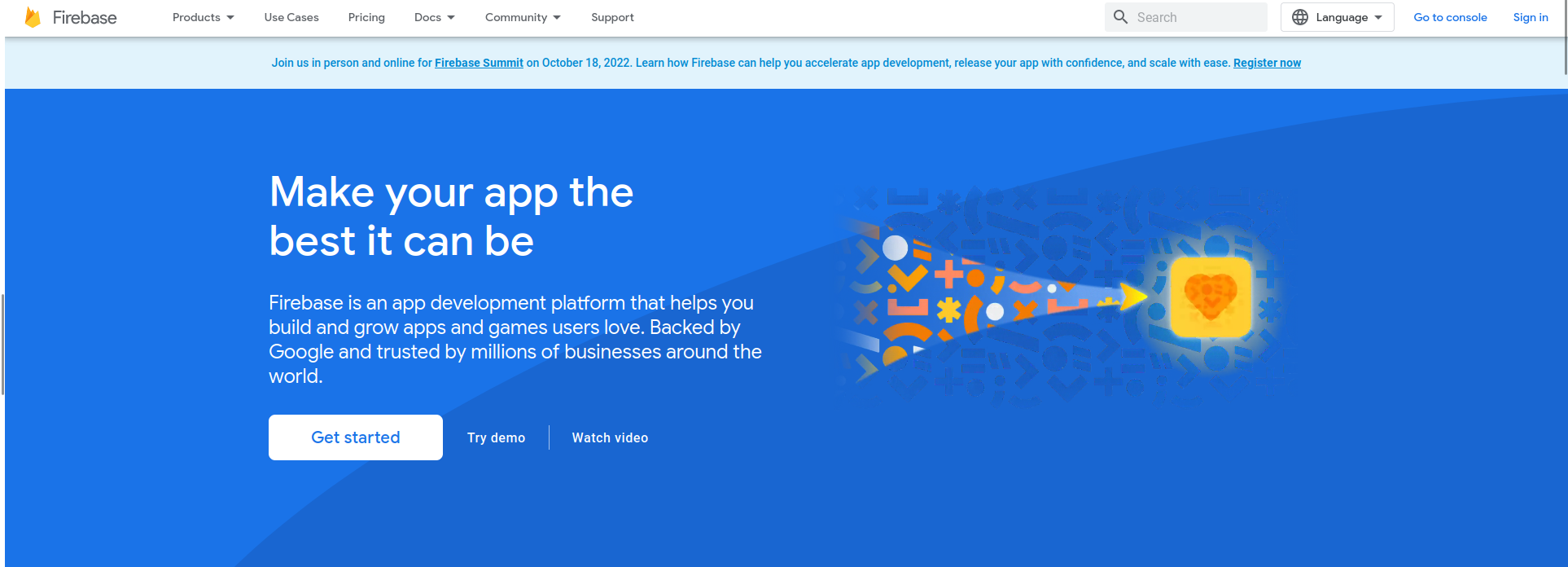
Firebase is an app development platform maintained by Google.
Best for: Best balance between costs, developer experience, scalability, and feature-completeness.
Key Features:
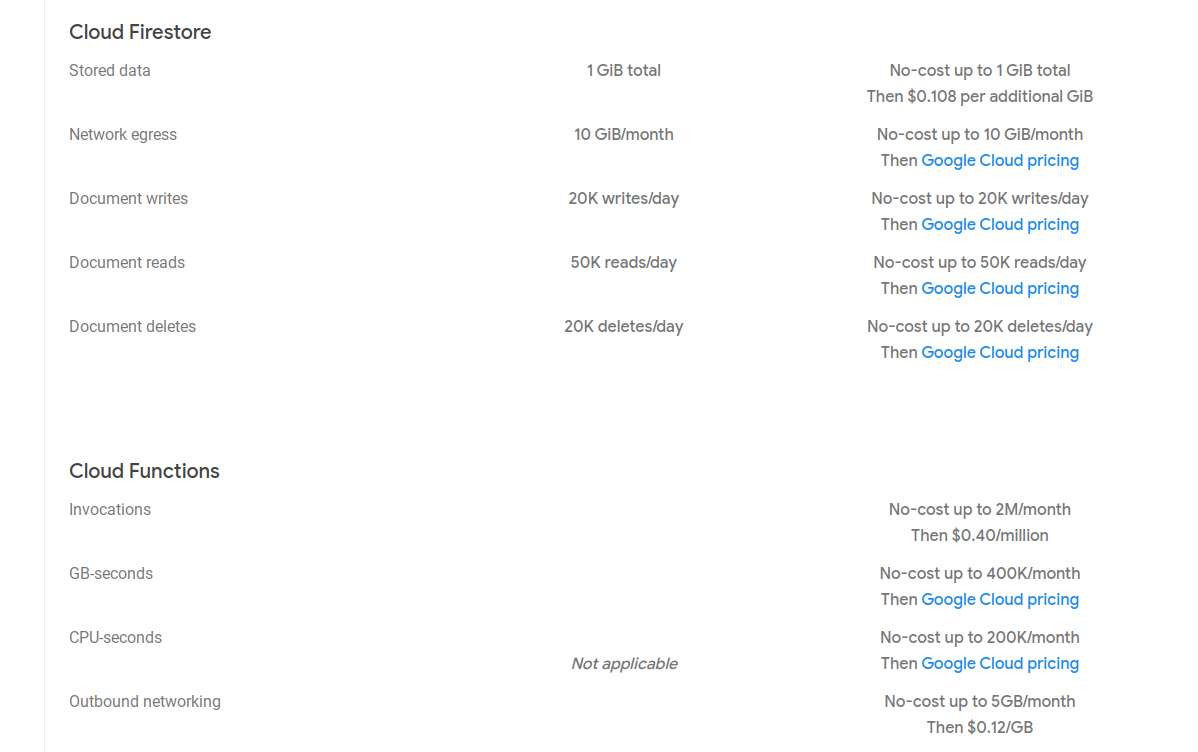
Pricing: Firebase’s pricing adopts a freemium model with a generous free tiers adapted to small and medium businesses.
Pros:
Cons:
How To Get Started With Firebase:
Create an account and use the software developer kit corresponding to your programming language to call your backend. The following code is automatically generated by Firebase and you just need to copy/paste it to start using it in your frontend:
import { initializeApp } from "firebase/app"

let firebaseConfig = {
  # ...
    apiKey: "FIREBASE_API_KEY",
    # ...
}

const app = initializeApp(firebaseConfig)
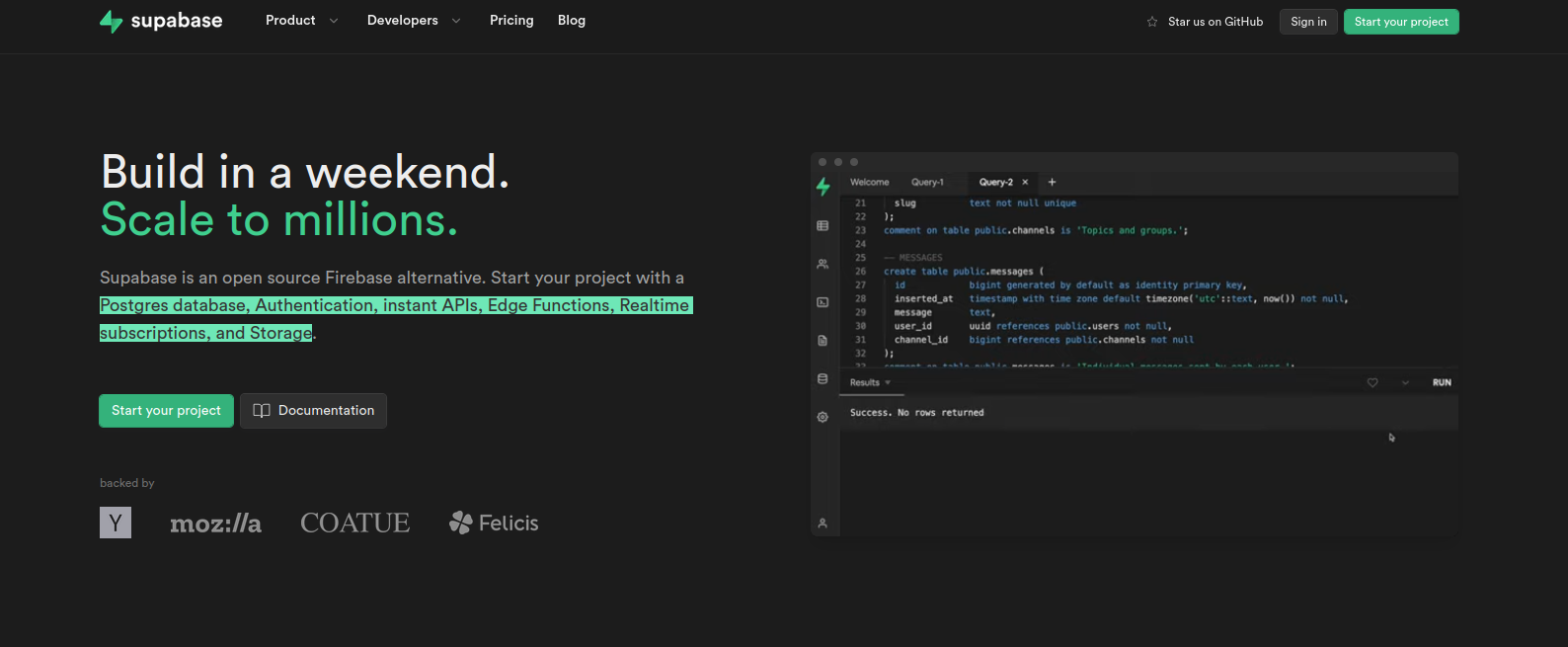
Supabase presents itself as an open source Firebase alternative.
Best for: Best open-source solution for a serverless backend.
Key Features:
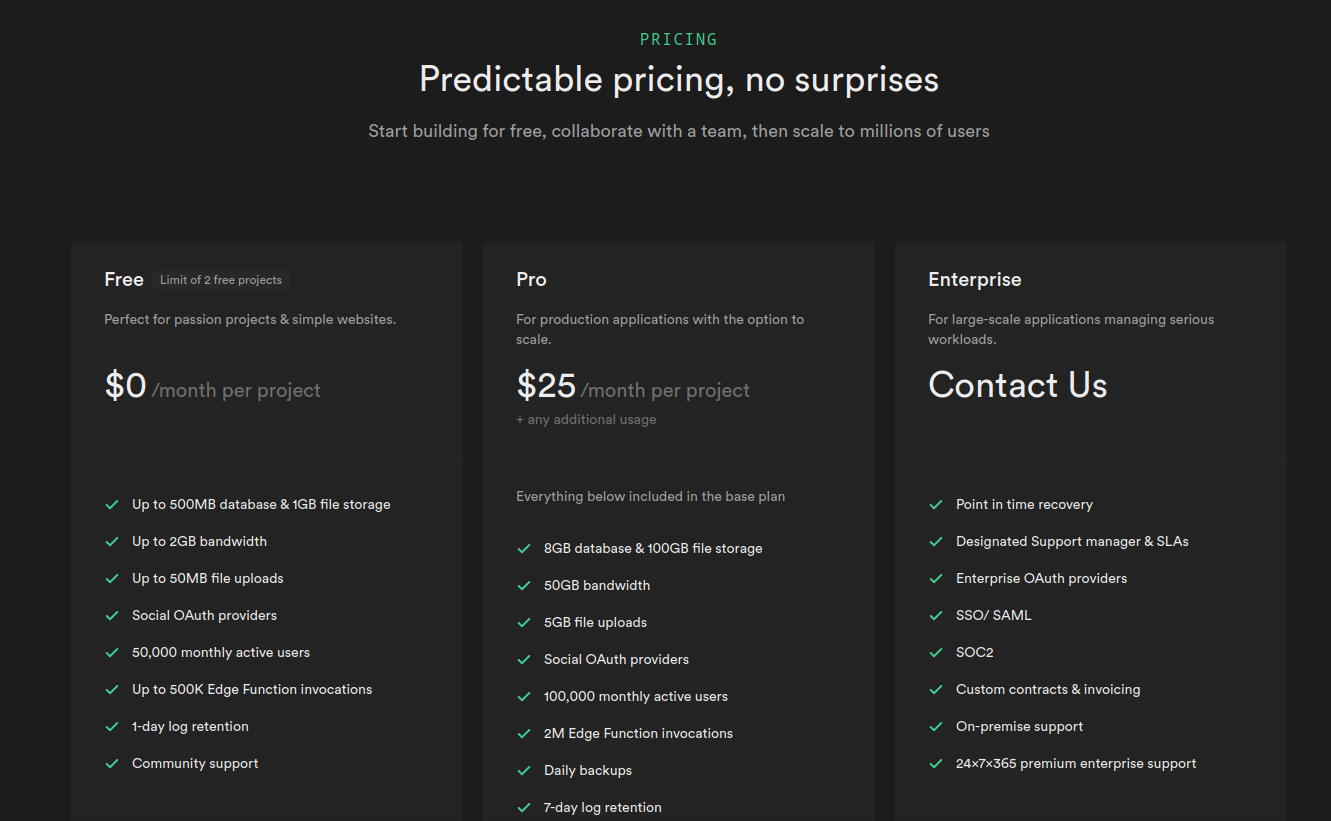
Pricing: Freemium. Free up to 500Mb of database storage, then $25 per month per project.
Pros:
Cons:
How To Get Started With Supabase:
Create an account, a project, and a database. Unlike a NoSQL database like Firebase’s, you need to have a structure ready to be able to manipulate data. But once this step is done―and you’ll have ready-to-use templates to help speed up this part―you can call Supabase like so:
import { createClient } from '@supabase/supabase-js'

const supabaseUrl = process.env.REACT_APP_SUPABASE_URL
const supabaseAnonKey = process.env.REACT_APP_SUPABASE_ANON_KEY

export const supabase = createClient(supabaseUrl, supabaseAnonKey)
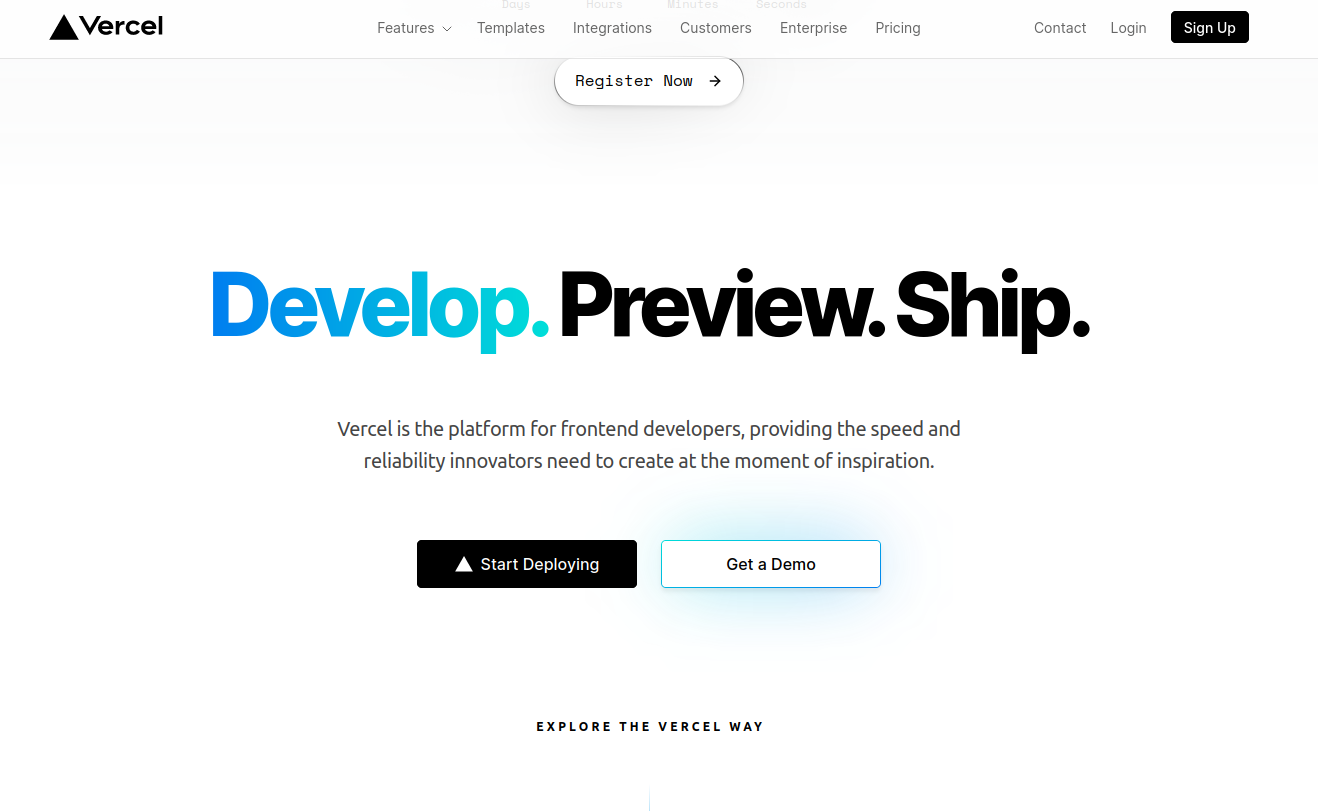
Vercel is a platform for frontend developers for deploying code to an optimized production environment. Even though it doesn’t offer stateful features you’d expect from a BaaS like authentication or databases, it is trivial to copy/paste code from a third-party service like Auth0 for authentication and MongoAtlas for API development.
Best for: Building stateless applications.
Key Features:
Pricing: Free for non-commercial sites, then $20 per month per user with a 14-day trial.
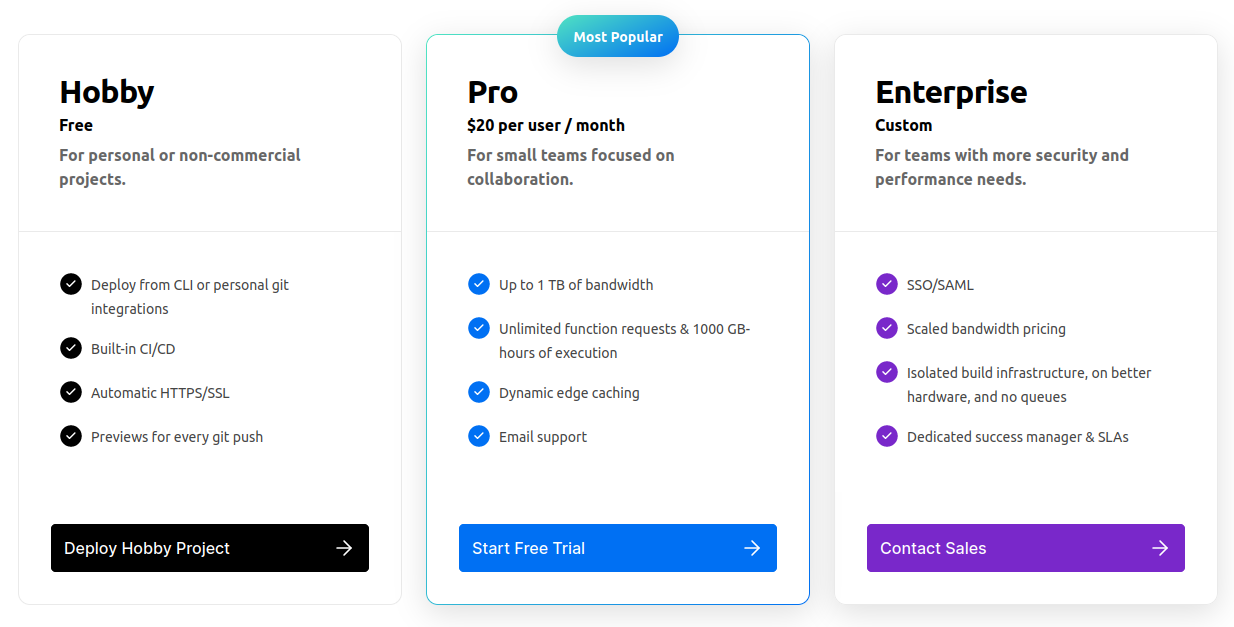
Pros:
Cons:
How To Get Started With Vercel:
Write your backend logic in the API folder of your project’s Git repository and distribute it to Vercel using Github:
// api/[name].ts -> /api/lee

export default function handler(request, response) {
  const { name } = request.query;
  return response.end(`Hello ${name}!`);
}
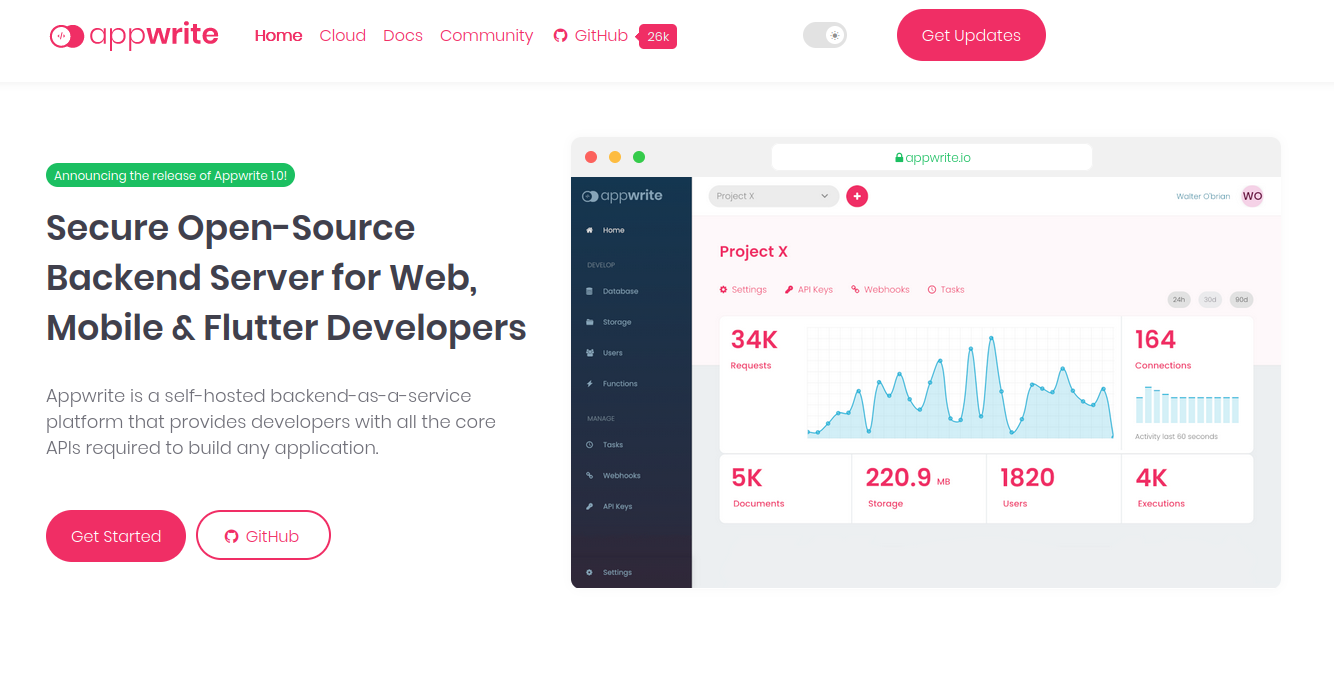
Appwrite is a self-hosted BaaS platform giving you all the tools you need to build all sorts of application.
Best for: A self-hosted option that also has great documentation.
Key Features:
Pricing: Free, but you’ll need to pay for a web server.
Pros:
Cons:
How To Get Started With Appwrite:
Install AppWrite on your server using Docker and call it from your front-end app:
const client = new Client()
    .setEndpoint('https://[HOSTNAME_OR_IP]/v1') // Your API Endpoint
    .setProject('5df5acd0d48c2');               // Your project ID

AWS Amplify packs several tools in the Amazon ecosystem to allow you to build full-stack web and mobile apps in hours.
Best for: feature-completeness thanks to Amazon’s ecosystem. You can connect any service to it in minutes with much less code to write.
Key Features:
Pricing: Free-tiers depending on what service you use, then usage-based pricing depending on which standalone service you use (AWS Lambda, AWS Aurora, etc.).
Pros:
Cons:
How To Get Started With AWS Amplify:
Create an AWS account and you’ll be guided to configure the Amplify CLI and get started fast:
import { Amplify } from "aws-amplify";
import awsconfig from "./aws-exports";
import { DataStore } from '@aws-amplify/datastore';
import { Post } from './models';

Amplify.configure(awsconfig);

const models = await DataStore.query(Post);
console.log(models);
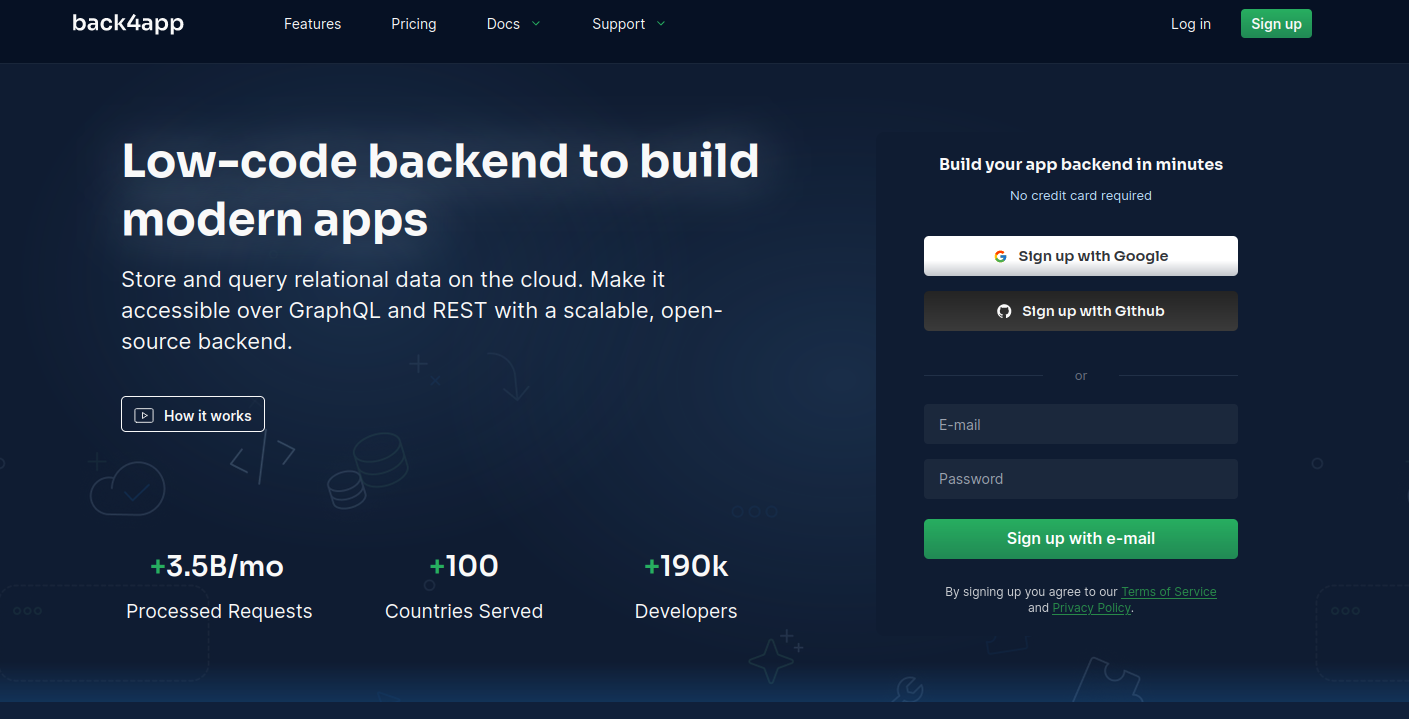
Back4app is a low-code backend for app development.
Best for: most cost-effective option.
Key Features:
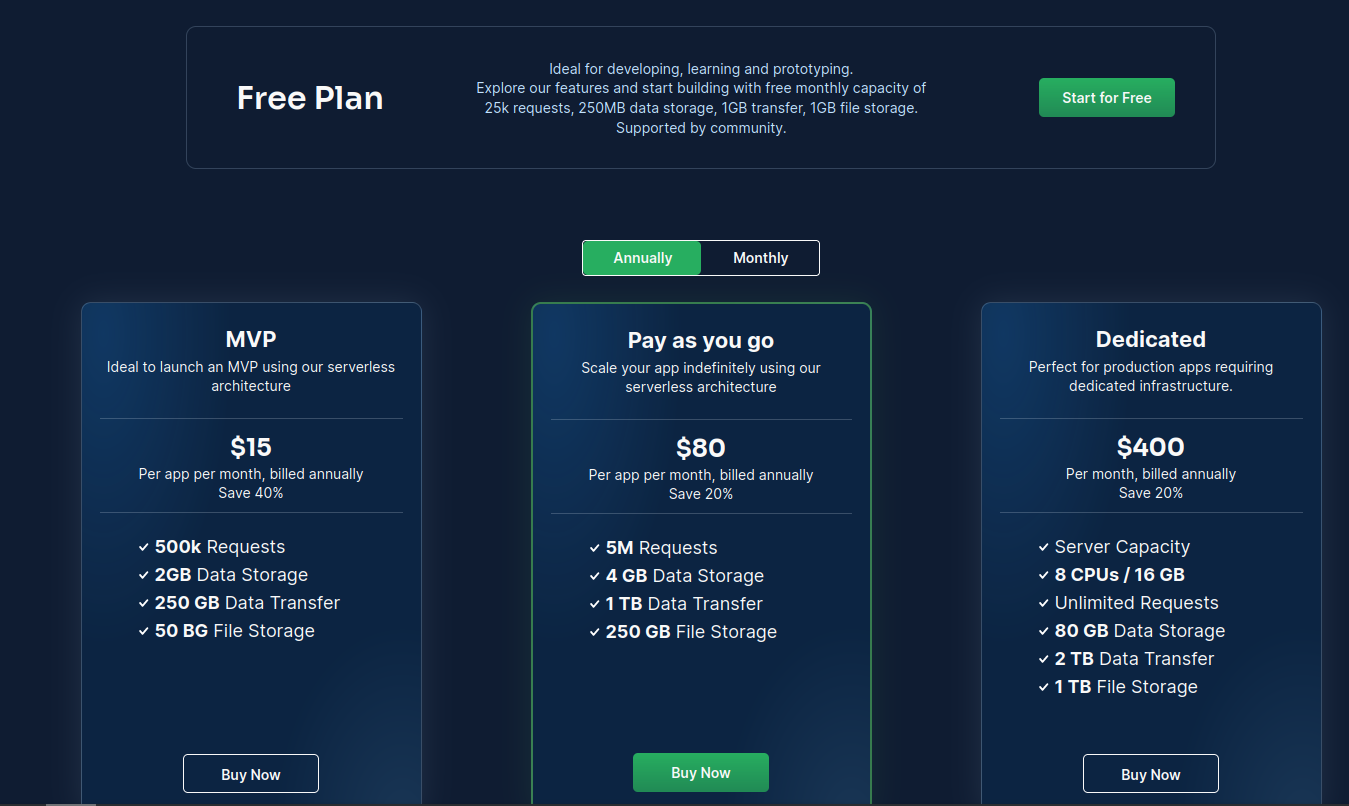
Pricing: Free up to 25k API requests per month, then packages starting from $15 per month.
Pros:
Cons:
How To Get Started With Back4app:
Create an account to obtain an API key and design a database, then simply call your backend:
import Parse from 'parse/dist/parse.min.js';

Parse.initialize("APP_ID","JS_KEY");
Parse.serverURL = 'https://parseapi.back4app.com/'

const soccerPlayer = new Parse.Object('SoccerPlayer');
soccerPlayer.set('playerName', 'A. Wed');
const result = await soccerPlayer.save();
Most serverless backend platforms solve one part of the problem: hosting, databases, or functions. But modern apps need workflows, integrations, and AI-driven automation on top of the backend.
This is where BuildShip fits perfectly into the stack.
BuildShip adds:
Whether you use Firebase, Supabase, Amplify, or Appwrite, BuildShip lets you orchestrate everything visually - no DevOps, no servers, and no integration chaos.
That’s a wrap: the six best serverless backend platforms for your next project.
And to take your backend further—connect APIs, automate workflows, build agents, and ship faster - give BuildShip a try. It plugs into any backend platform and lets you build production-ready automations in minutes.
Build smarter. Build faster.
BuildShip.


